


Where Can You Find WordPress Themes?
When I was looking through WordPress themes, I didn’t realize how many different options there were. You can find free themes directly through WordPress, or you can buy premium ones from websites like ThemeForest or from the developers themselves. Free ones are nice because you can try different styles without spending money, while paid ones sometimes offer more features and customization. I think the biggest things to look for are whether the theme works well on phones, if it’s easy to change things around, and if it gets updated regularly. For my website, I really wanted something fun and creative because I don’t want San Miguel Pottery Land to look like just another basic website.
What Makes Up a WordPress Theme?
I learned that WordPress themes use different files that work together to make a website look and function the way it does. In classic themes, two key files are style.css, which handles styling and theme information, and index.php, the main template. Other files, like header.php and footer.php, control the top and bottom of the website, and functions.php adds different features. Files like single.php and page.php are used for blog posts and regular pages. Block themes are a little different because they use HTML templates, like templates/index.html, instead of PHP templates. I honestly didn’t realize so many different files were involved in something as simple as choosing a theme, but now I understand why they’re important.
Why I Chose Blocksy for My Website
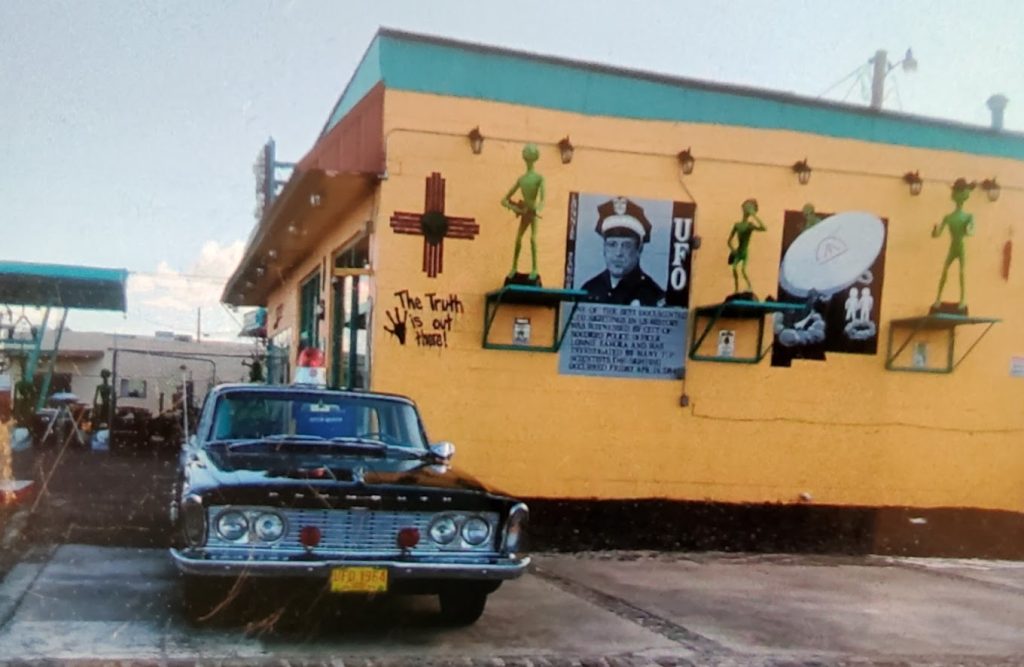
When I was looking at Astra, Kadence, and Blocksy, I was trying to figure out which one would look best for San Miguel Pottery Land. I looked at things like the design, colors, customization, how well they work on phones, performance, and how easy they are to use. I thought Astra was okay, but it was a little too basic for what I wanted. Kadence was actually really nice because it had that open and natural look, which I liked, but I still wanted something a little more fun. When I looked at Blocksy, I felt like I could do more with it and make the website look how I wanted. Since San Miguel Pottery Land has pottery, aliens, and a lot of personality, I don’t want the website to look boring. I want people to actually enjoy looking at it and exploring everything. That’s why I went with Blocksy.
Kadence Link
Blocksy Link
Astra Link
How I Installed My Theme
Installing Blocksy was actually pretty easy. I went into my WordPress dashboard, clicked on Appearance, then Themes, and searched for Blocksy. I looked at the preview first because I wanted to make sure I liked it before changing my website. Once I decided it was the one I wanted, I clicked Install and then Activate. I used the wp-admin method, so I didn’t have to download any files or install anything manually. I also didn’t need to do anything extra to get the theme working, which made the whole process pretty simple.